

Digital waivers for walk-up check-in
- waivers
- in person
If your front desk still runs on clipboards, you know the routine. Someone hands out forms, a parent fills in three of them for three kids, and later someone squints at the handwriting trying to find the right sheet.
Here’s how the same morning looks with the waiver on a tablet.
Put the waiver on a tablet
Upload your waiver once as a template, then open it as a kiosk. The tablet shows a welcome screen with your message, and each guest signs their own copy. When they finish, the screen clears for the next person.
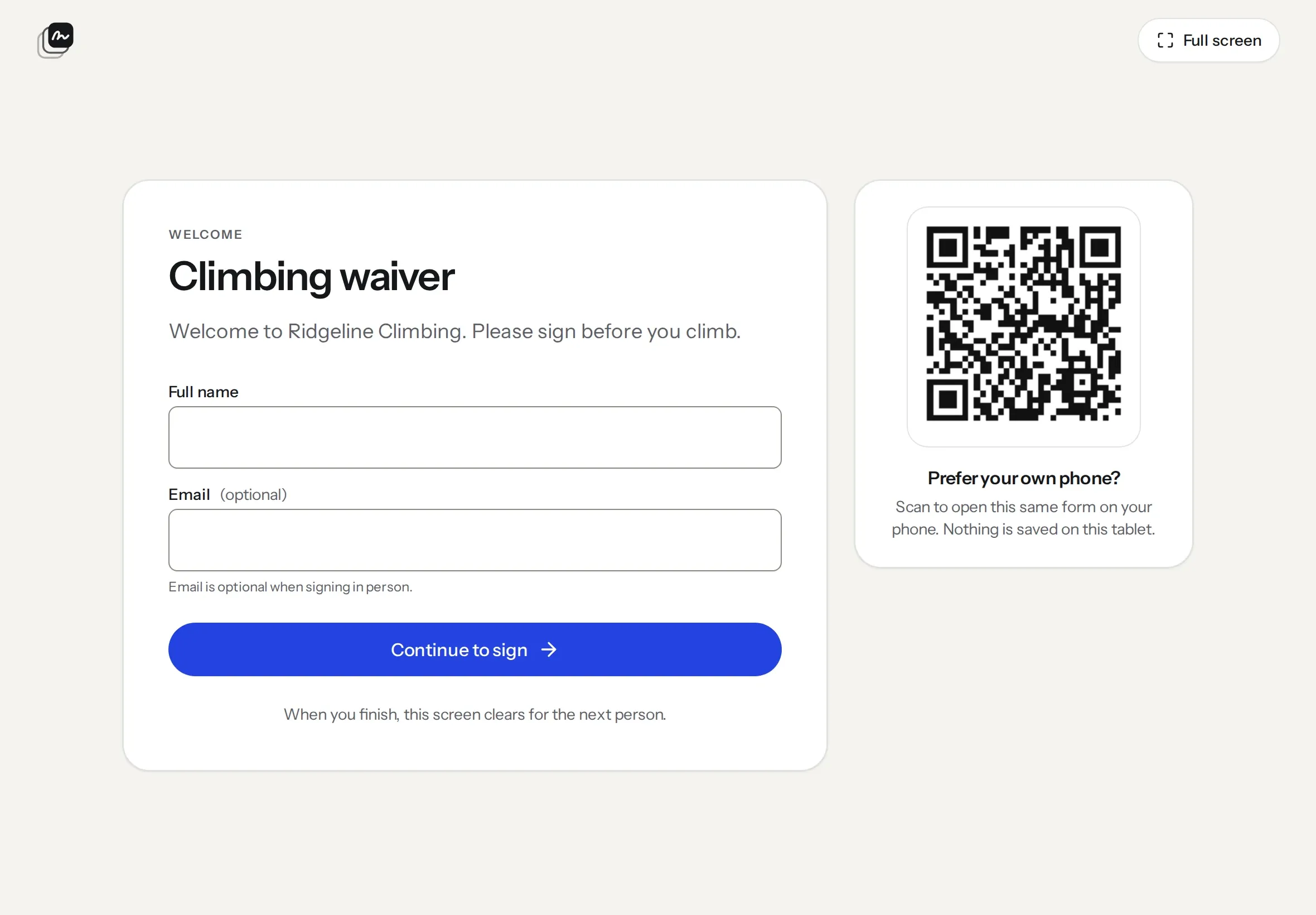
If a line builds up, guests can scan the code next to the form and sign on their own phone instead. The kiosk settings sit behind a PIN, so nobody can wander into them.
One form per family
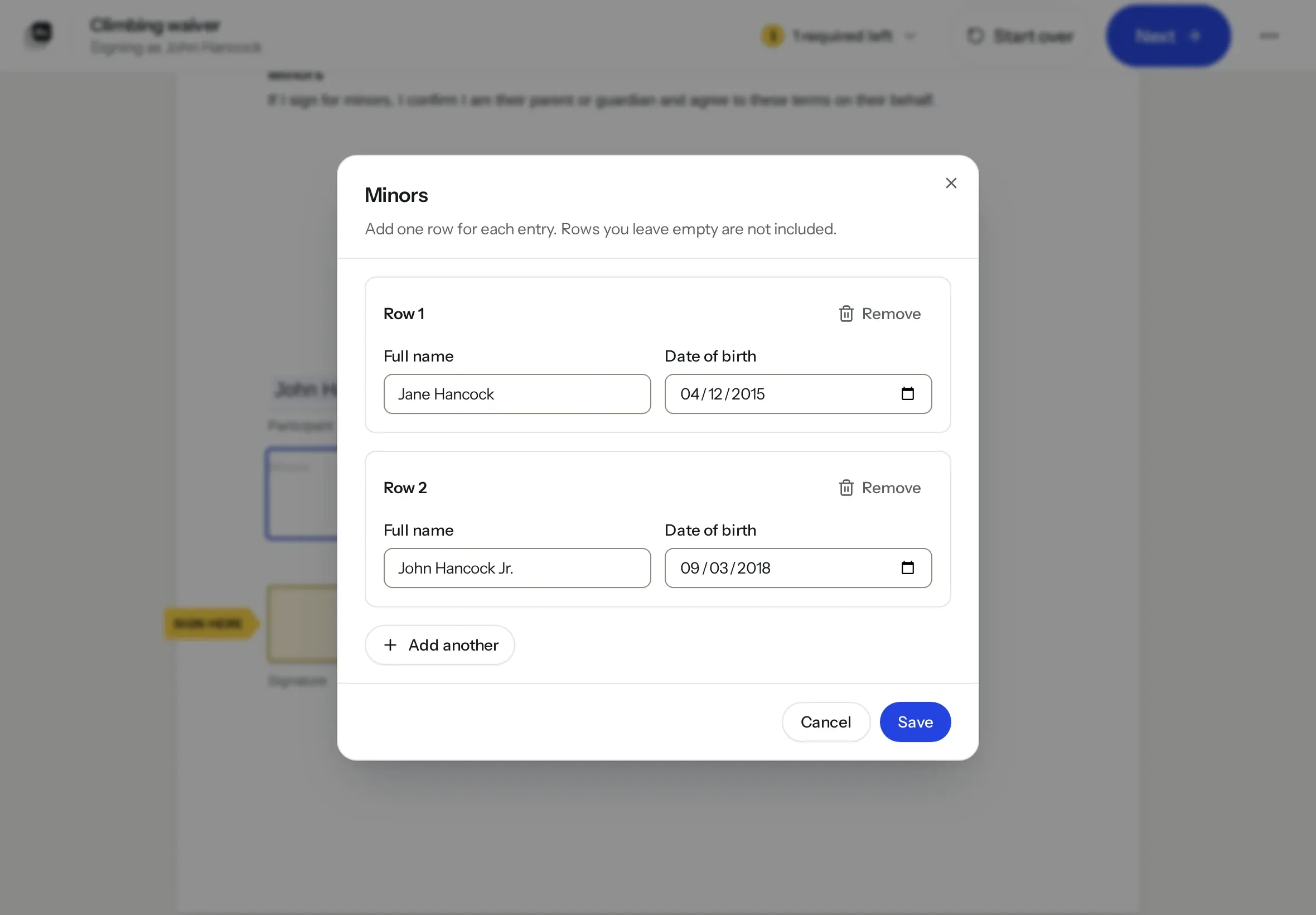
Parents don’t fill in a waiver for every child. They sign once and tap Add another for each kid, with a name and date of birth on each row.
Find them at check-in
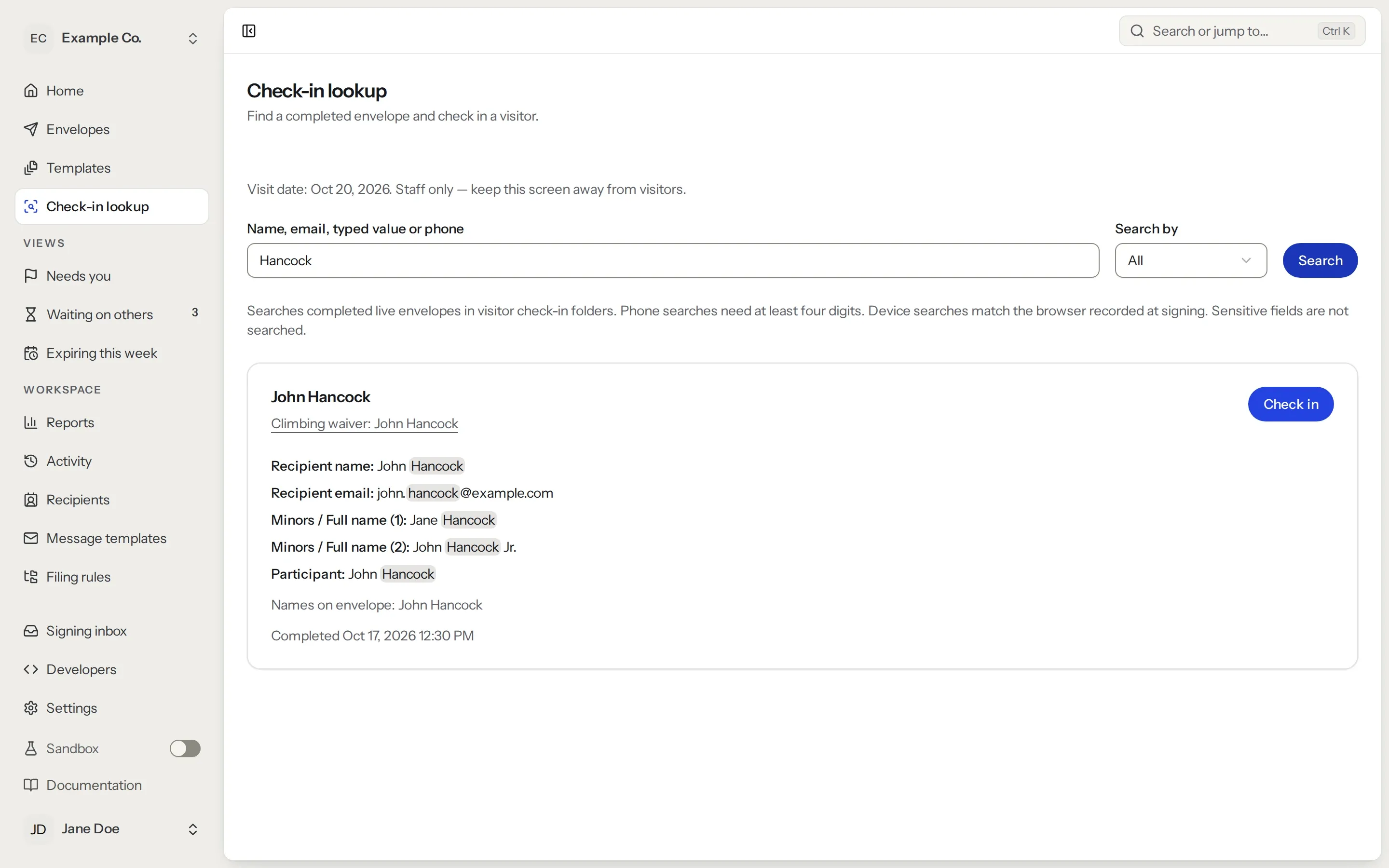
When the family reaches the desk, staff search by name, phone or email. Children’s names are searched too. One tap marks them as checked in.
Sign before they arrive
You can also put the waiver’s signing link in booking emails. Plenty of guests will sign at home, and the kiosk handles everyone else.
In-person signing is on Pro and up, and kiosk signings are unlimited. See pricing, or read more about in-person signing.