

From upload to signed
Send documents, follow them until they’re signed, and keep the signed copies.
Send in a few clicks
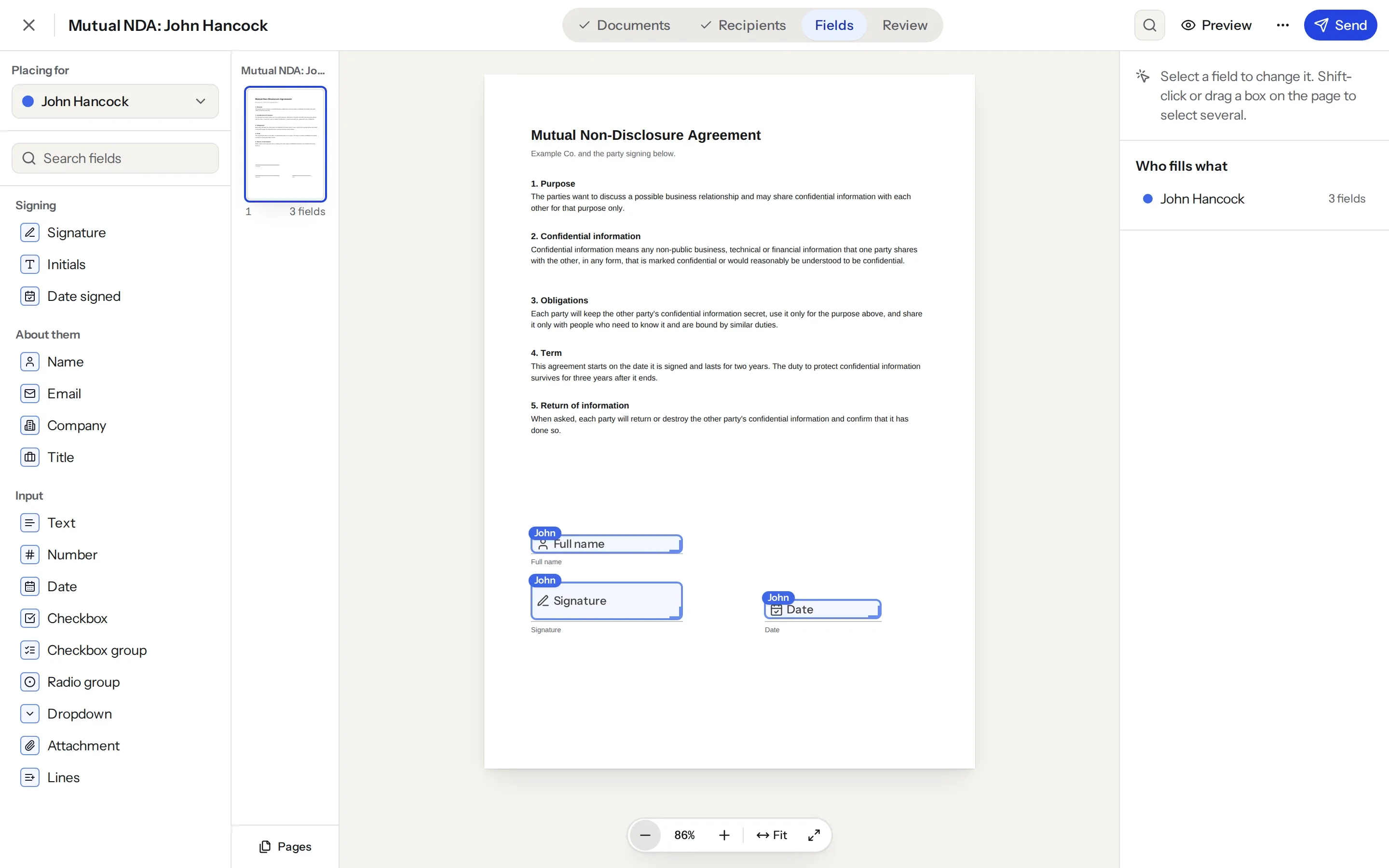
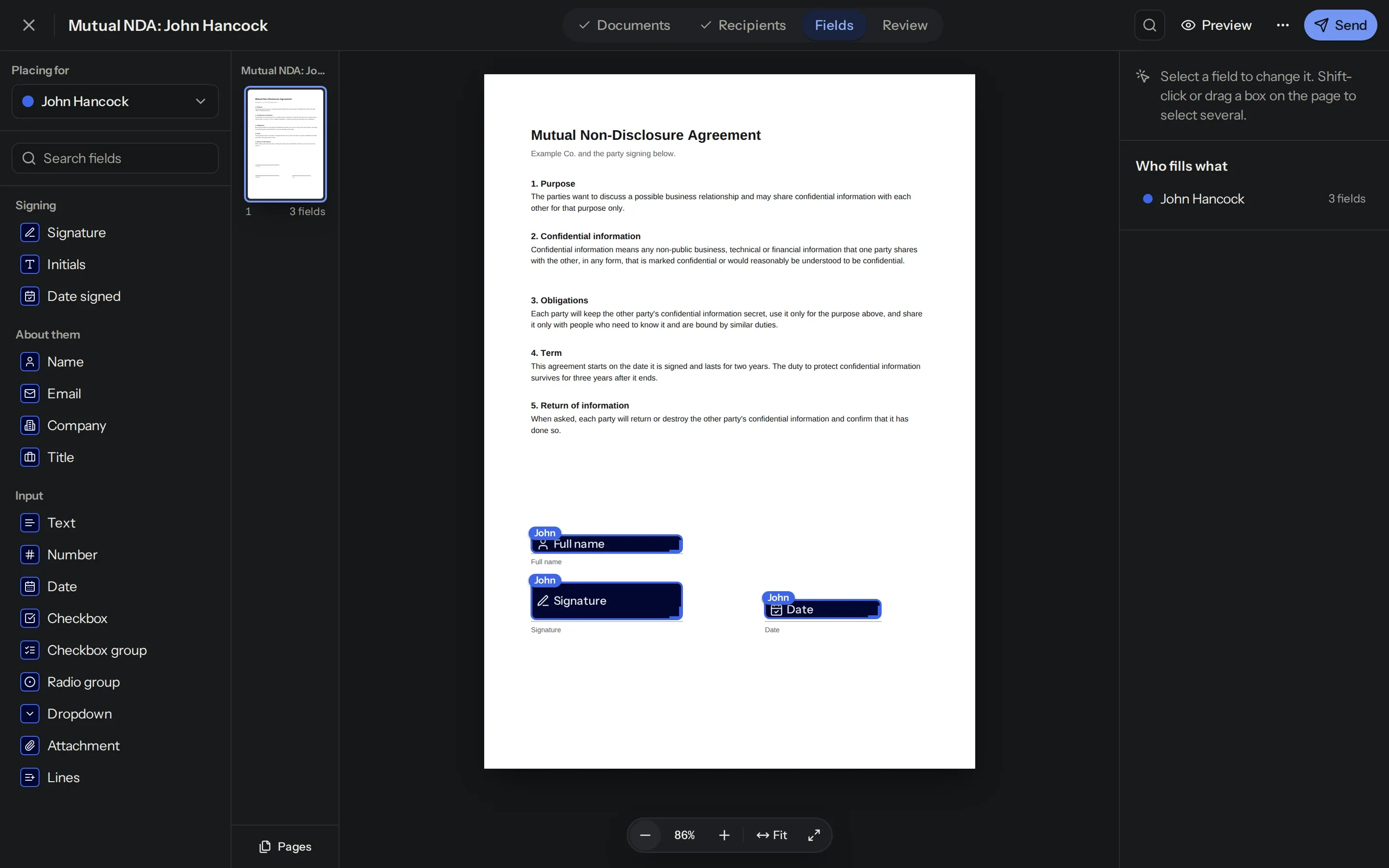
Upload a PDF, Word file or photo, place the fields and choose who signs.
Sign on any device
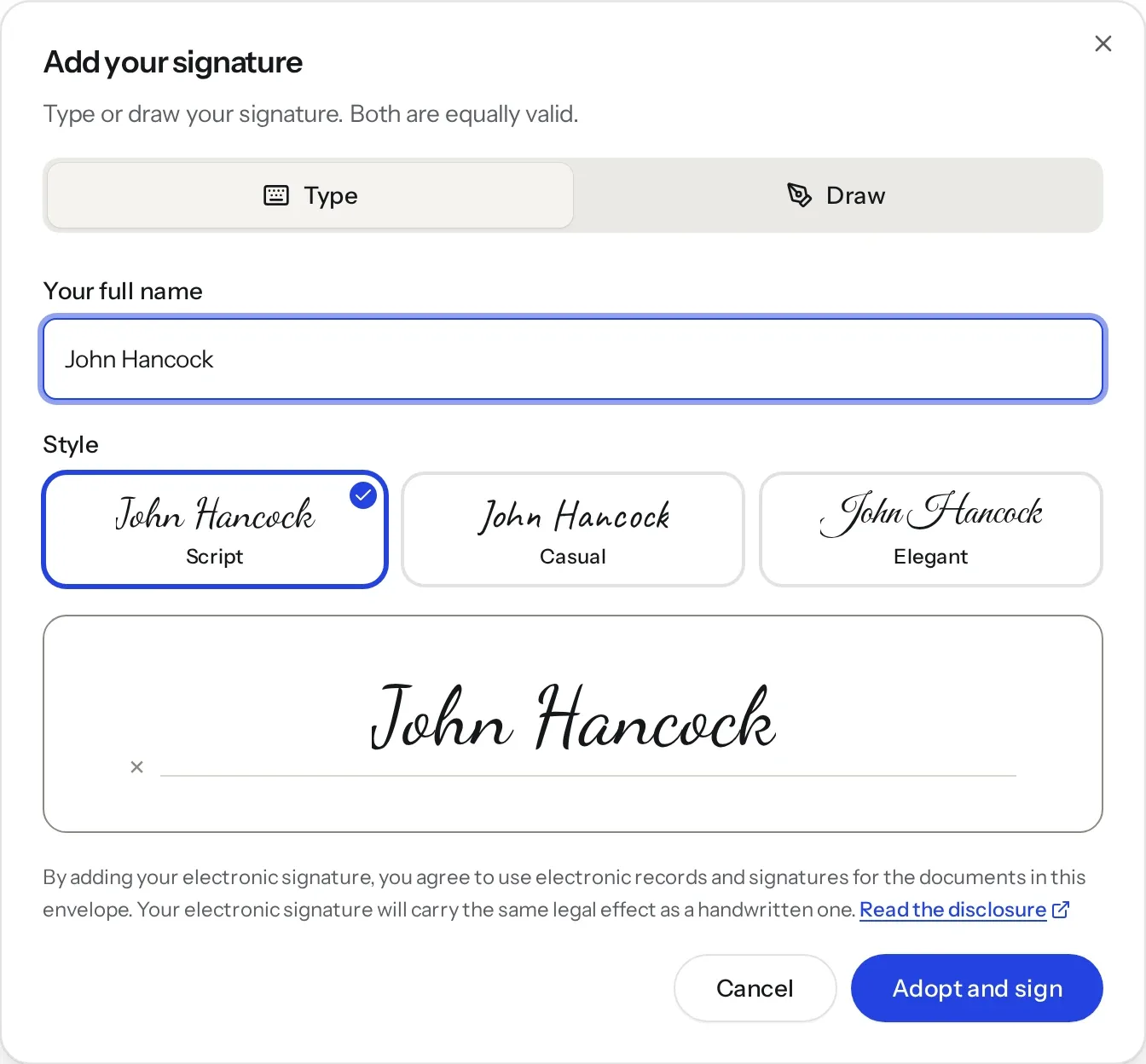
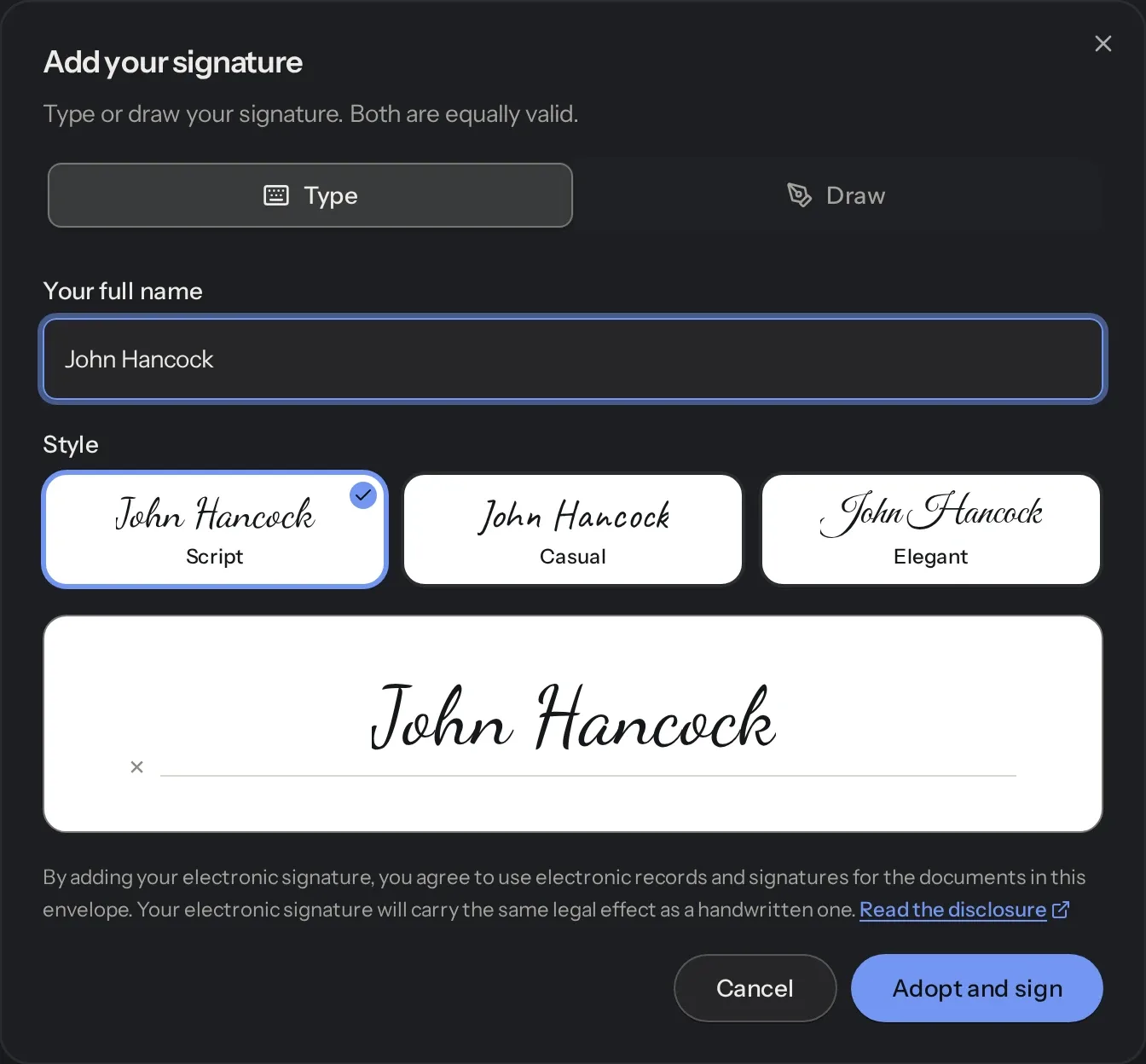
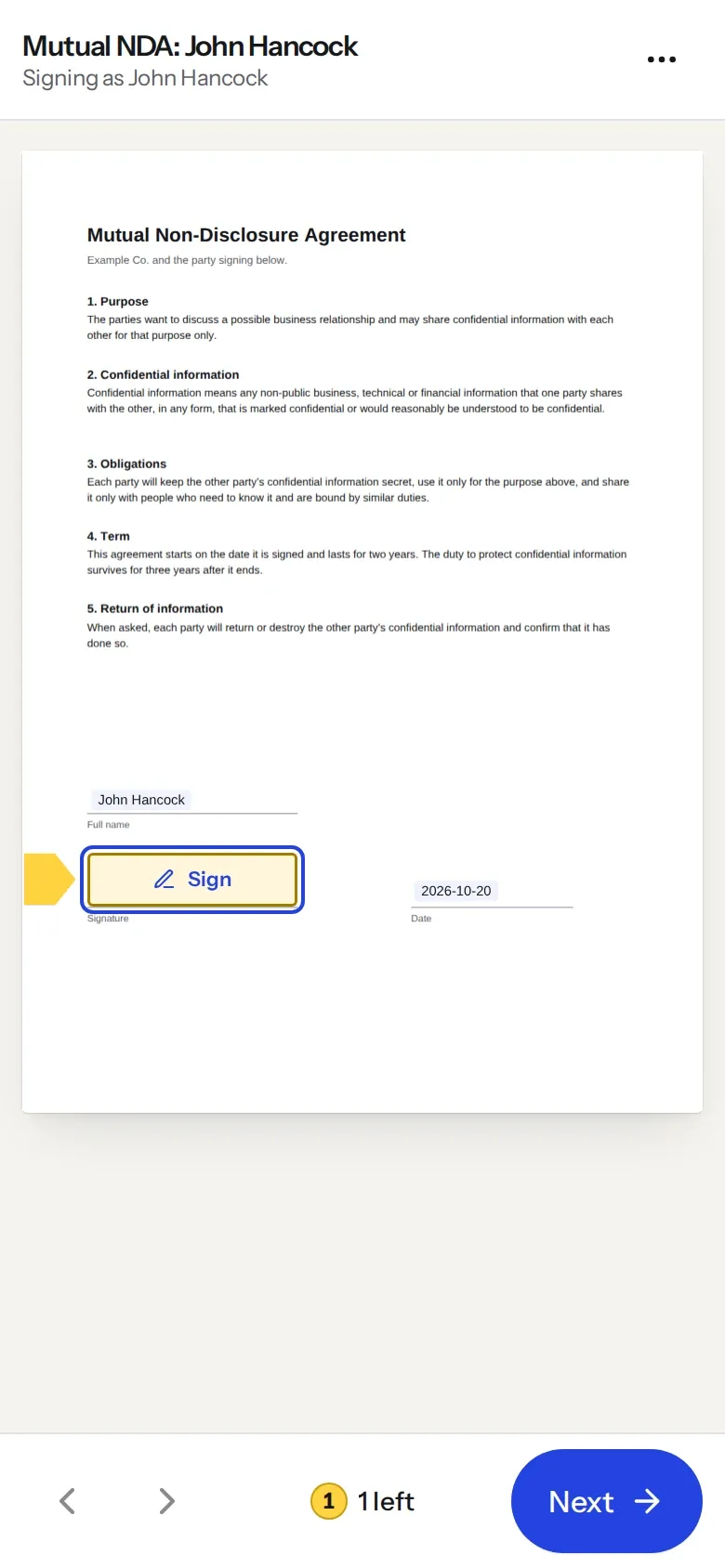
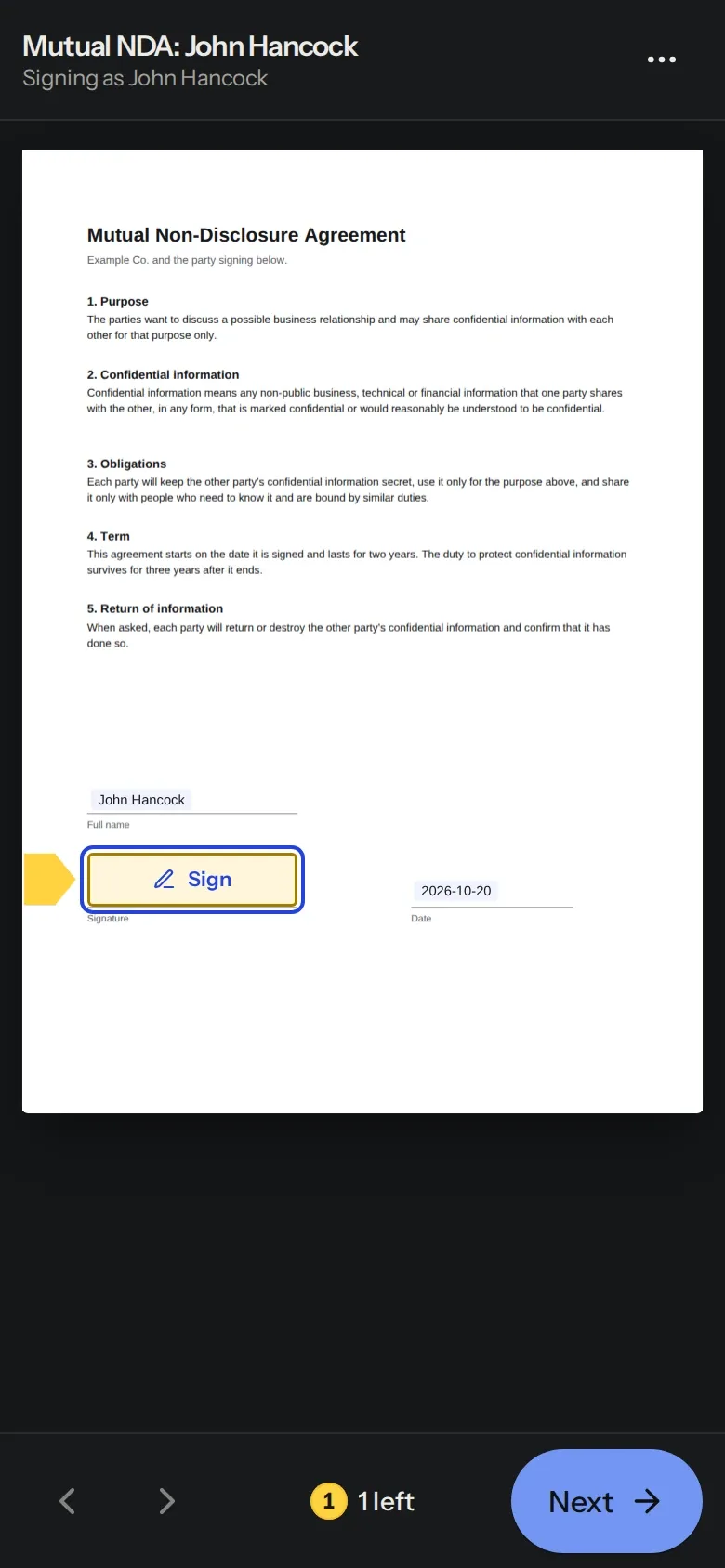
People sign from their phone or computer, without making an account. They can draw their signature or type it.
Reuse what you send often
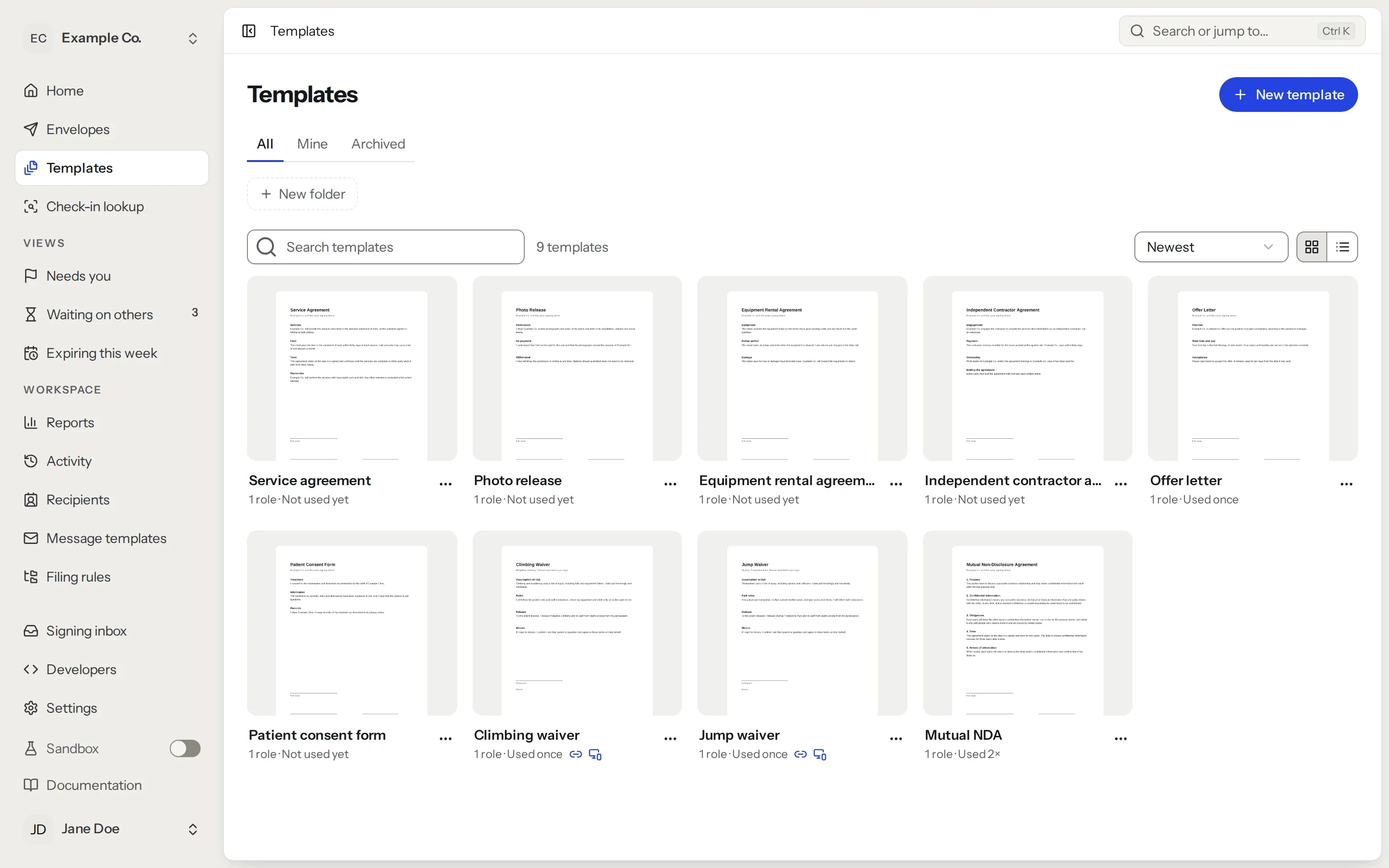
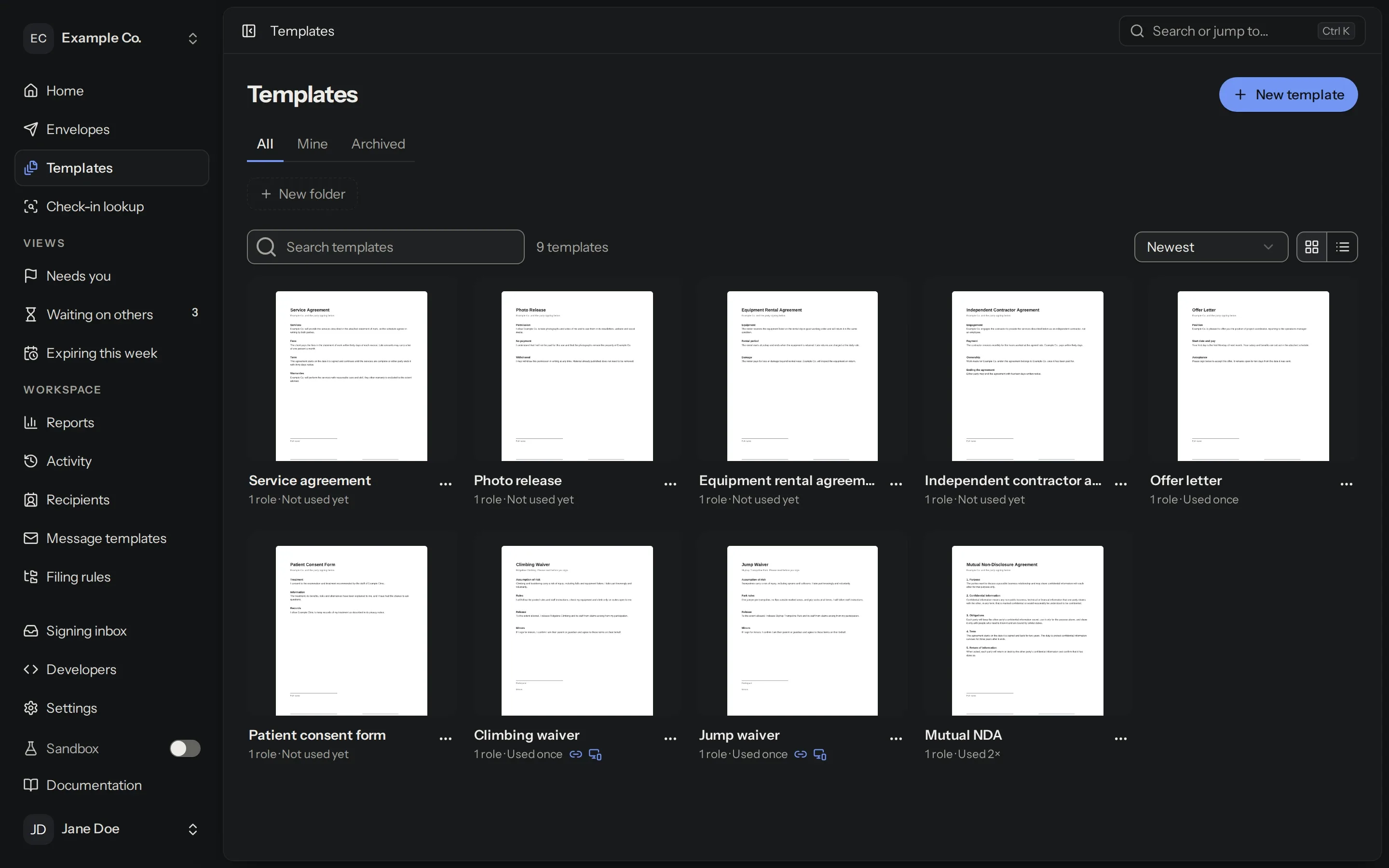
Save as many templates as you like, or share a link anyone can sign.
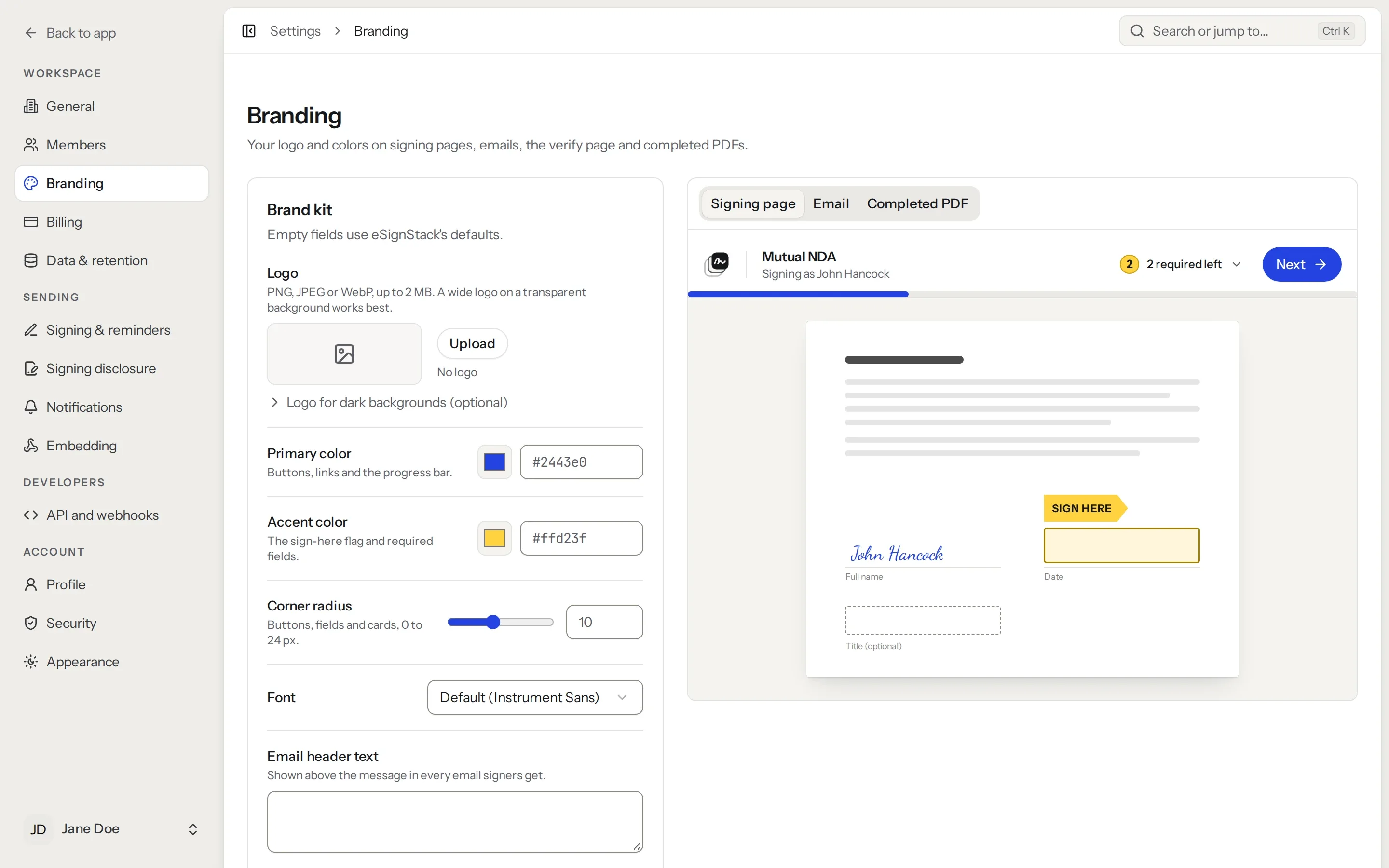
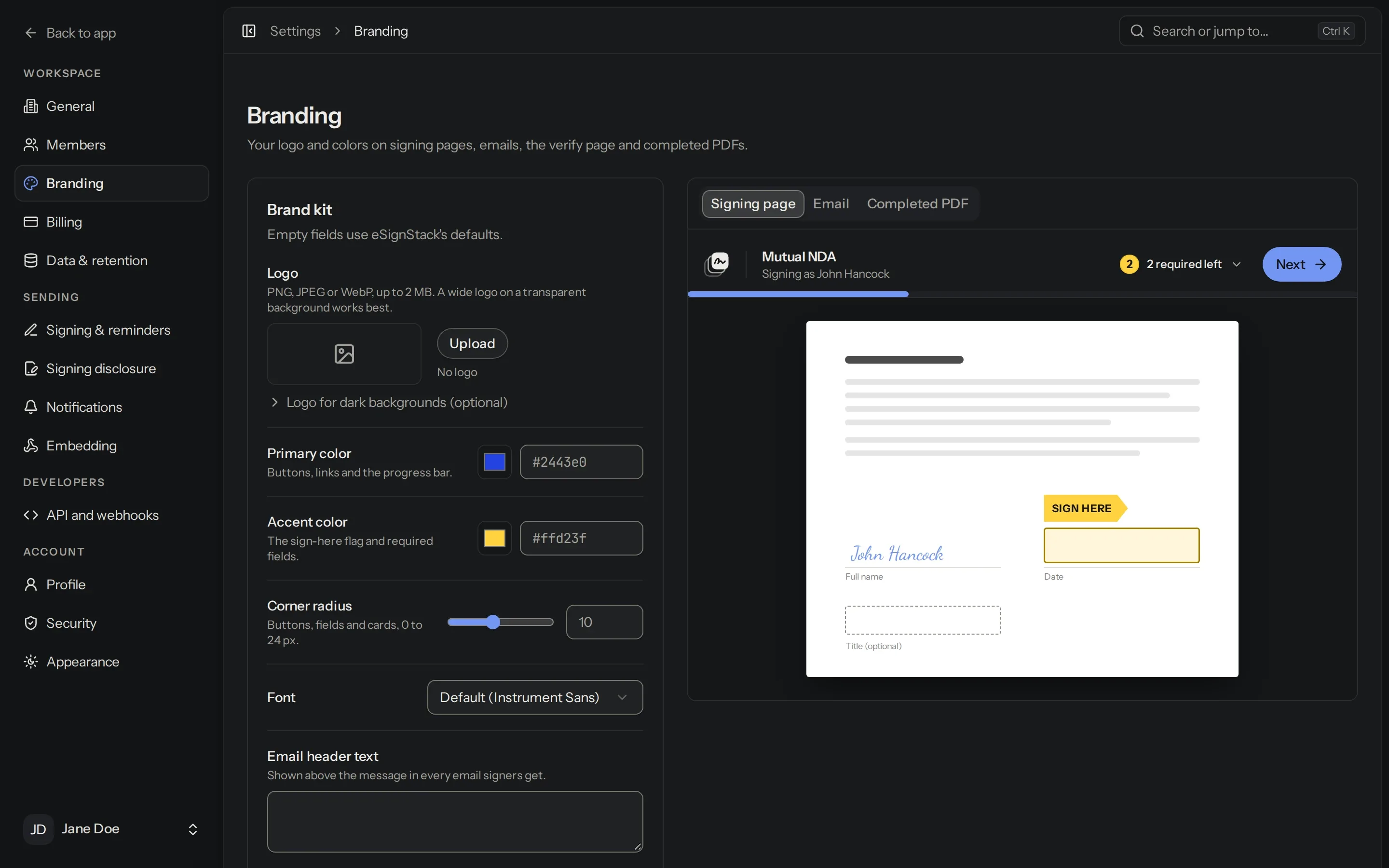
Your name on every request
Signers see your logo and colours on Pro and up. On Platform, each customer workspace gets its own.
See where everything stands
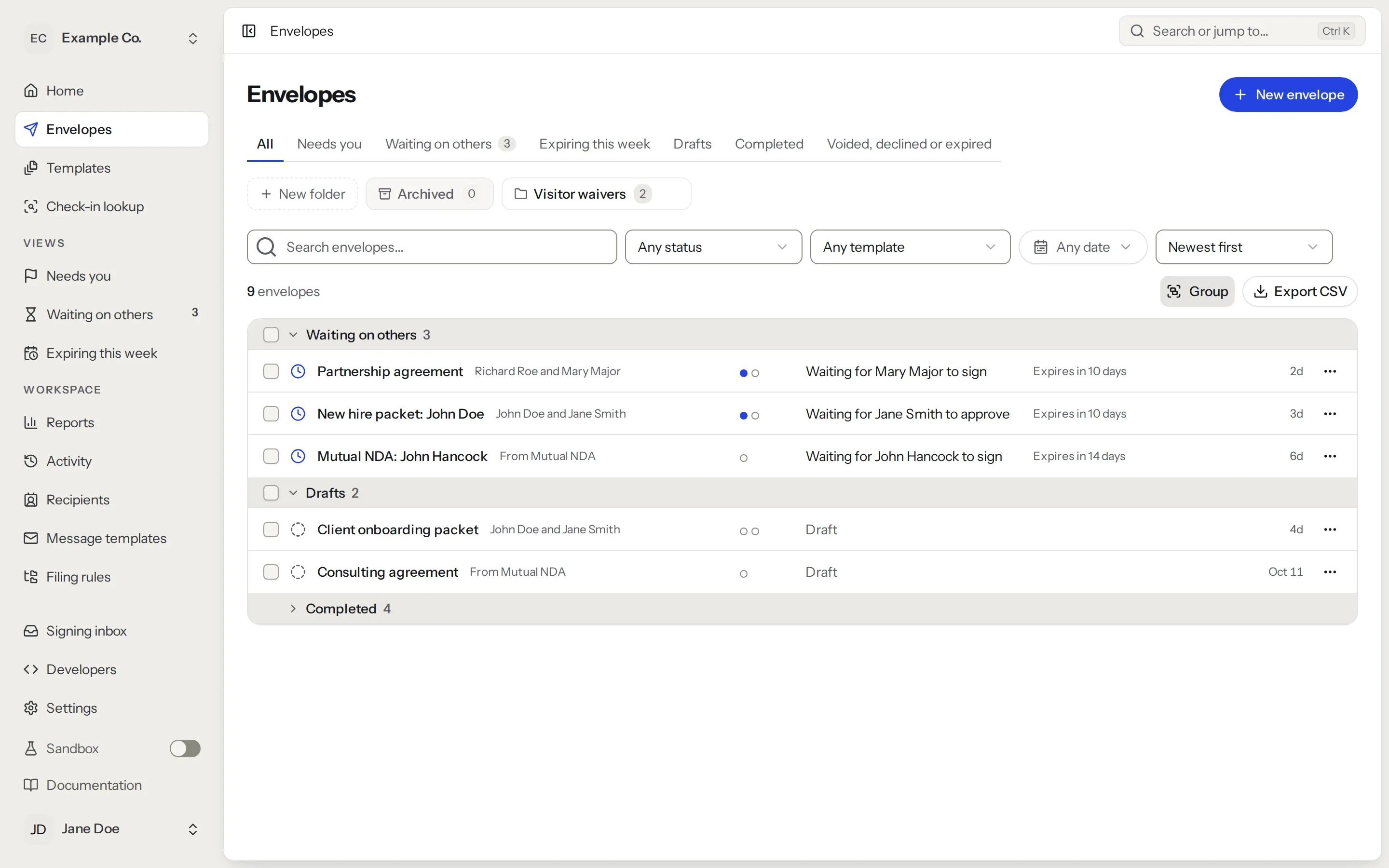
Every envelope shows who has signed and who hasn’t. Remind people in one click.

Keep a record of every signature
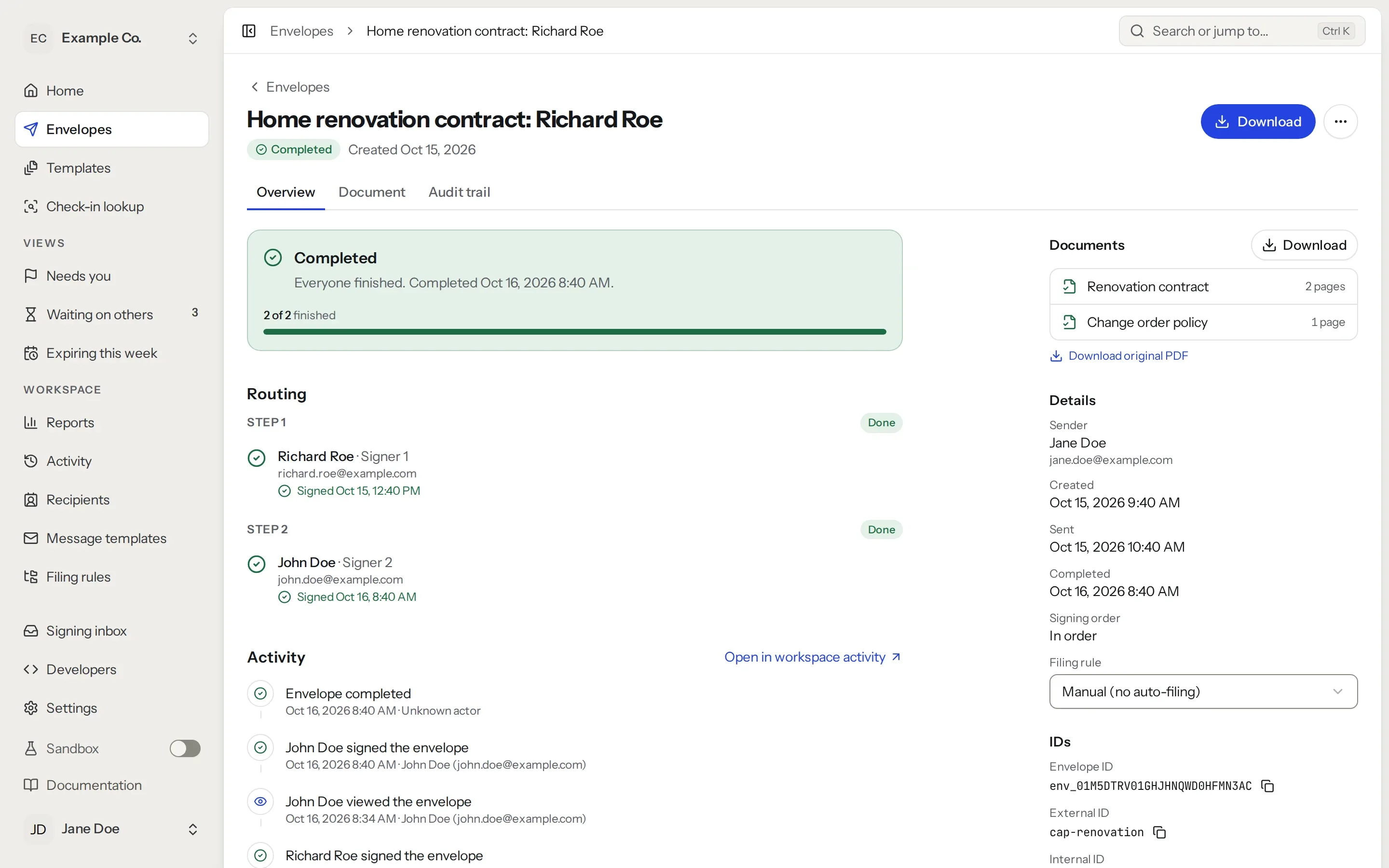
Each signed copy is saved with a history of who signed and when.

Also included
- Any documentUpload PDF, Word, Excel, PowerPoint or image files. Each one becomes a PDF ready to sign.
- Several documents at onceSend a few documents together and people sign them in one go.
- Signing orderChoose who signs first, or let everyone sign at the same time.
- RemindersSet how often reminders go out and when a request expires.
- Signing in personPro and upTurn a tablet into a kiosk for waivers and check-in.
- WorkspacesPro and upKeep teams, offices or clients apart, each with their own documents.
- Signer verificationPlatformAsk signers for an access code, or a code sent by text.
- TeamsShare templates and documents with the people you work with.
- API and webhooksConnect your own software, or an AI assistant over MCP.
Signed documents you can check
Anyone can upload a signed PDF to our verification page to see that it hasn’t changed since it was signed.