

Send one form to a whole list
Paste a list or upload a CSV. Each person signs their own copy, and you follow them all in one place.
How it works
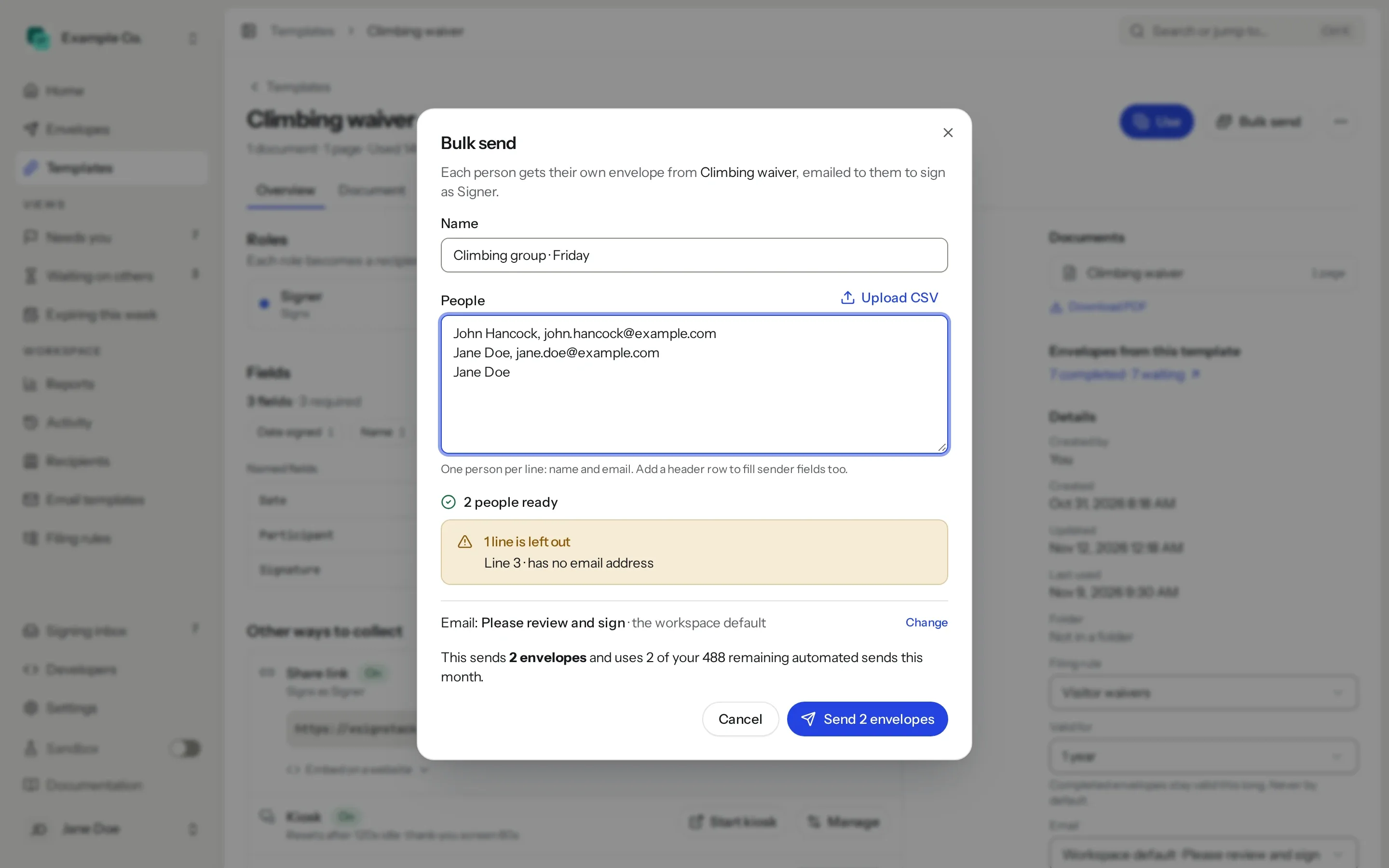
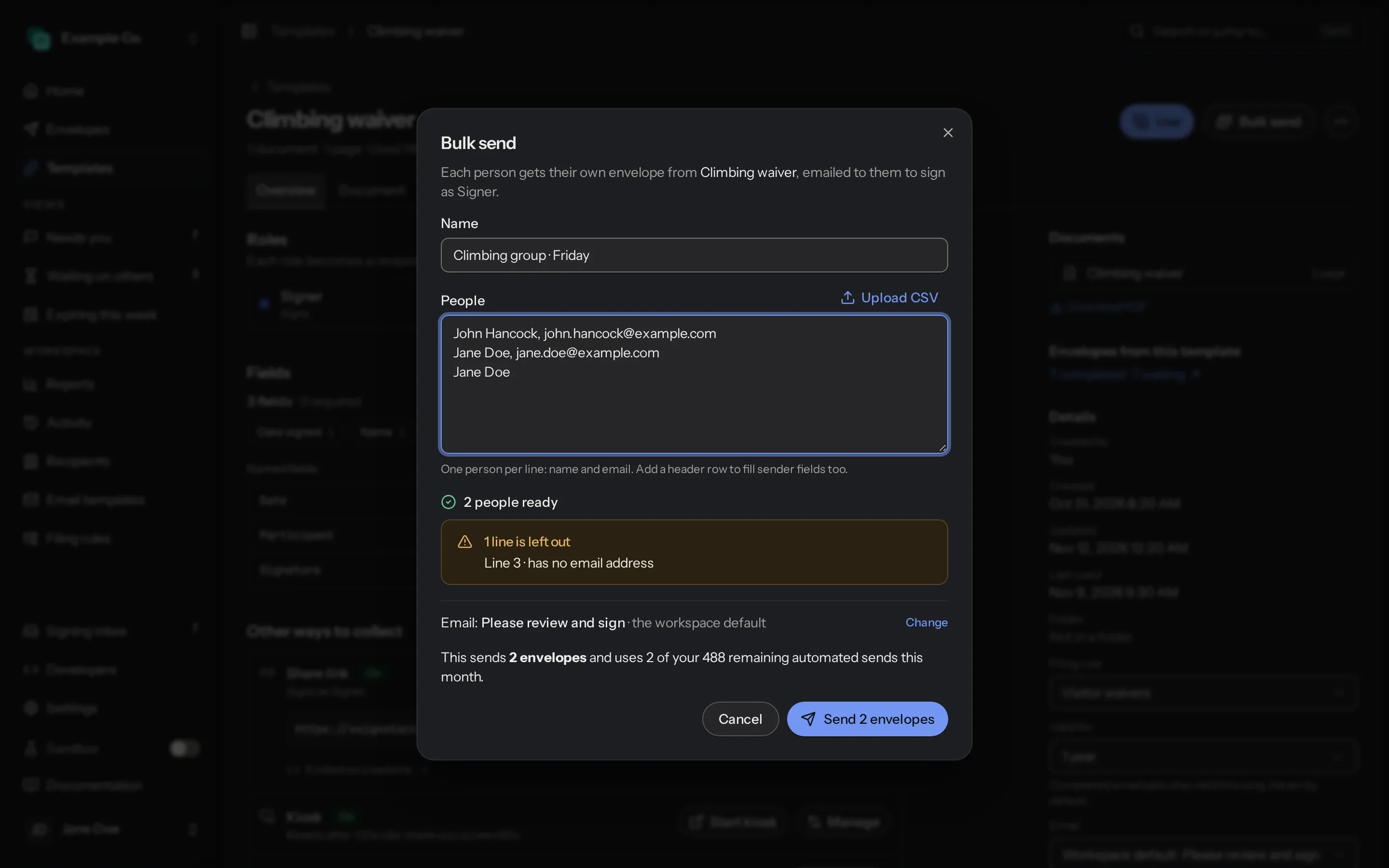
Pick a template
Open the form you want everyone to sign and click Bulk send.
Paste or upload the list
One person per line, or a CSV. A header row can fill in your own fields too.
Send
Each person gets their own envelope by email, ready to sign.
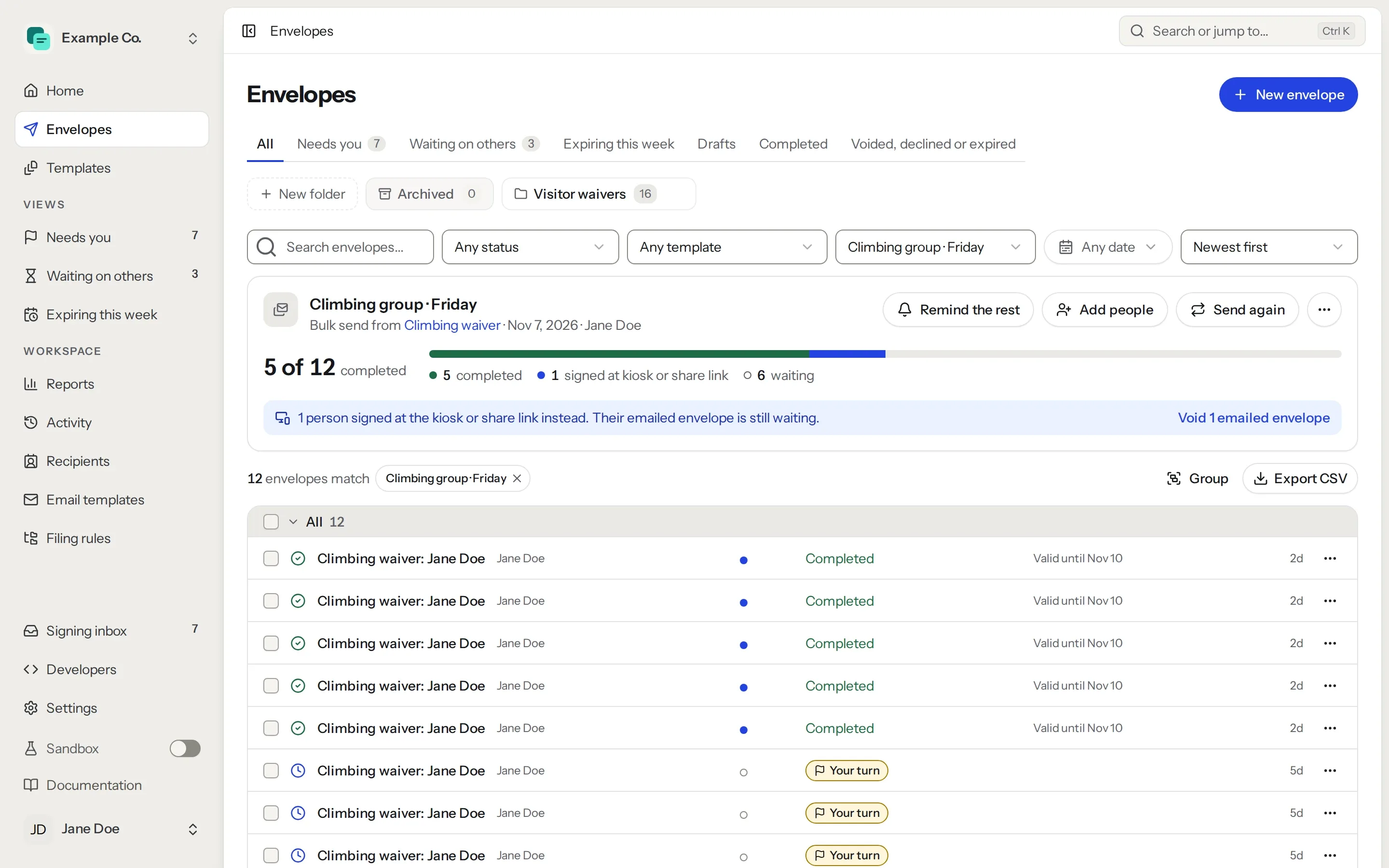
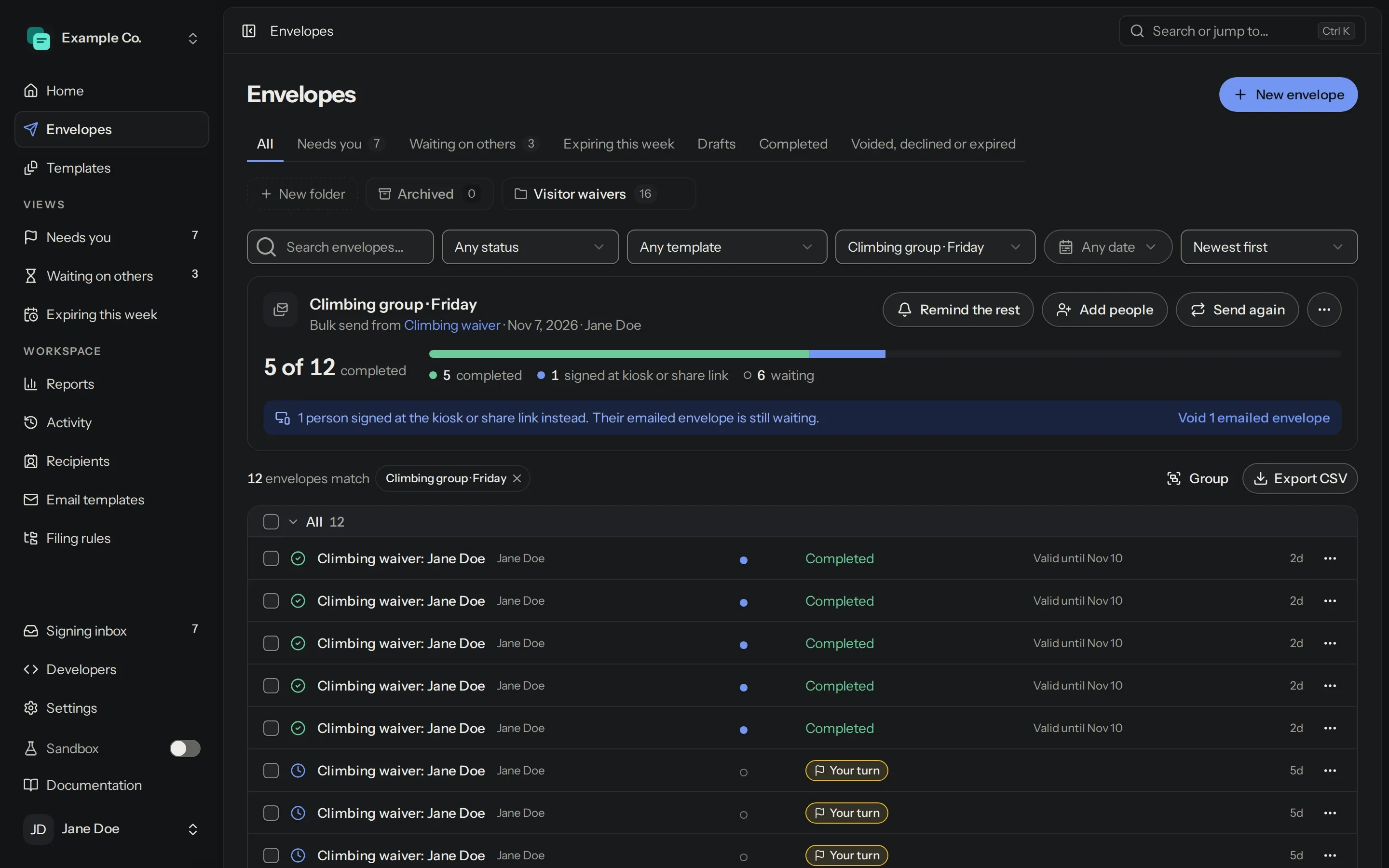
See who has signed
Envelopes shows how many have signed and who is still waiting. Remind the rest in one click, or export the list to CSV.
Siblings on one email
A parent with two children on two lines gets an envelope for each.
Signed at the desk instead
People who sign at your kiosk or share link are matched by email, and you can void their emailed copy.
Add people later
Add more people to the same bulk send, or send it again to the same list.
On every plan. Bulk-sent envelopes count toward your plan’s allowance; on Free, toward its 5 envelopes a month.
Questions
Bulk send or share link?
Use bulk send when you have the list: each person is emailed their own copy. Use a share link when you don’t: anyone with the link signs their own.
Share linksDoes bulk send count toward my plan?
Yes. Each envelope counts toward your allowance: 50 a month on Starter, 200 on Pro and 500 on Platform, then 25¢ each. If a list is longer than what’s left, the first envelopes go out and the rest wait as Not sent. Click Send the rest once your allowance resets or after you upgrade.
Compare plansCan I fill in each person’s details?
Yes. Start the list with a header row, and a column named after a field you fill in before sending fills it on each person’s envelope.
Do signers need an account?
No. They open the email and sign on any device.