

A signing kiosk for your front desk
Put a tablet at the desk. Each walk-in signs their own copy, and the screen clears for the next person.
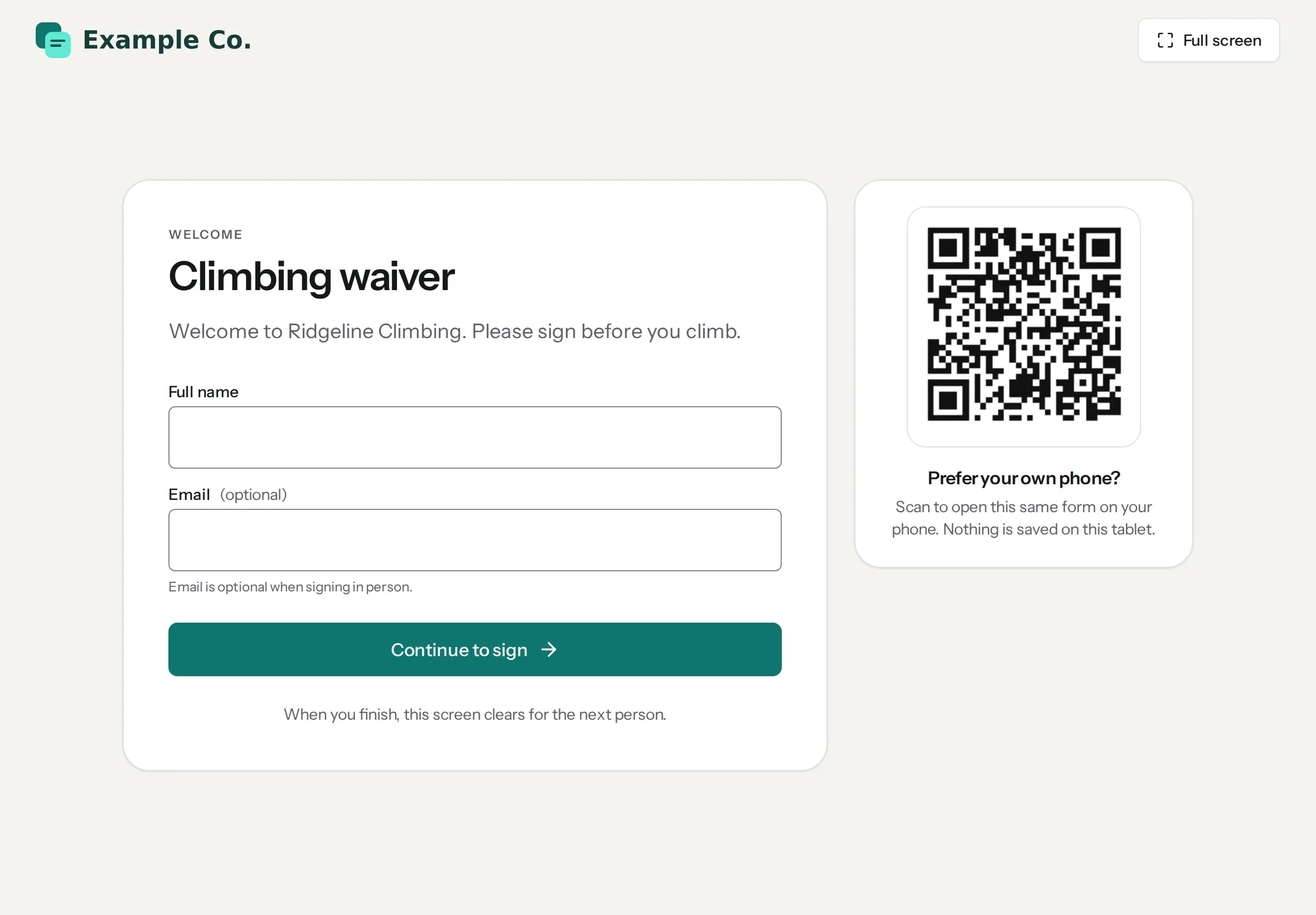
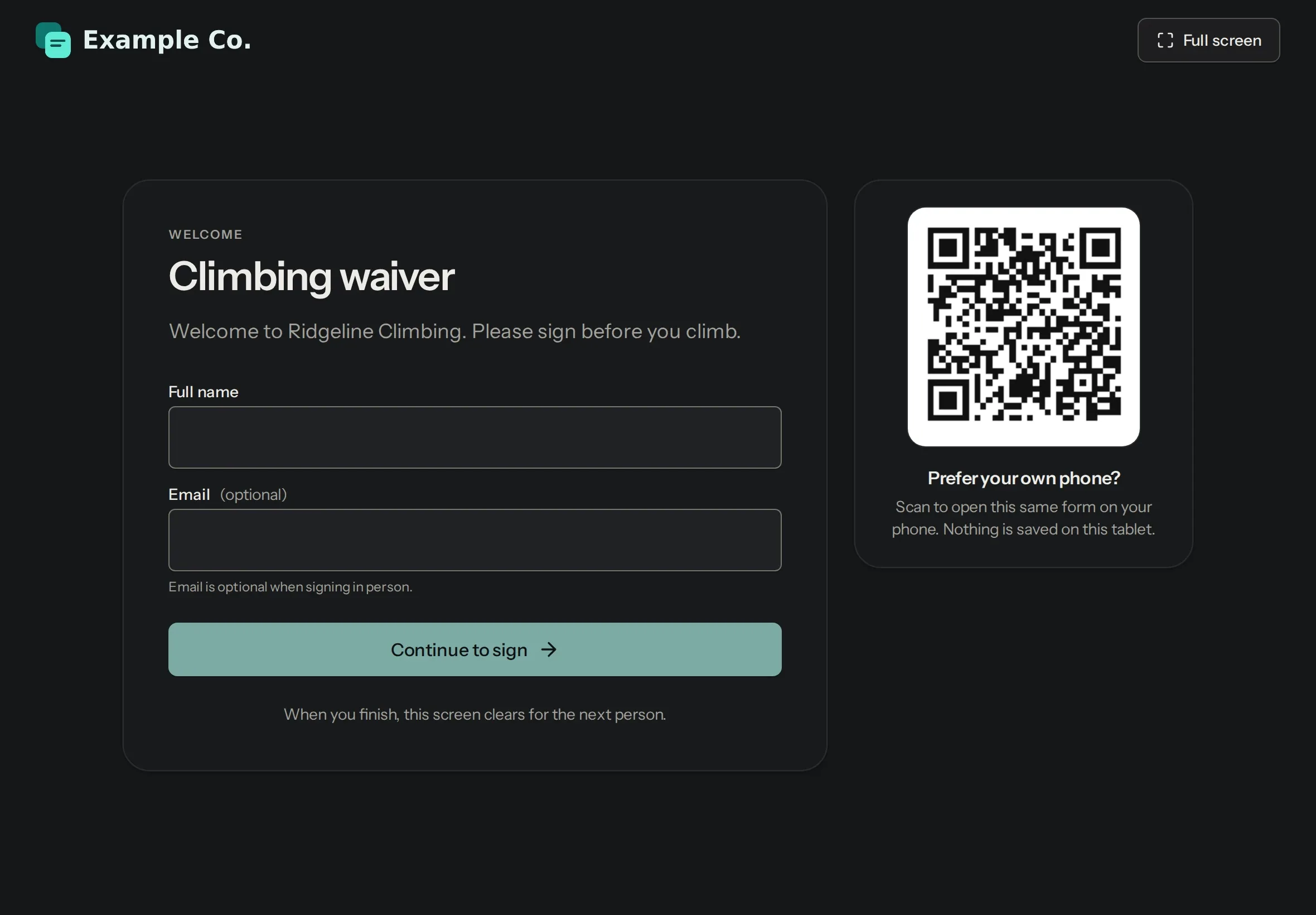
Your logo on the form
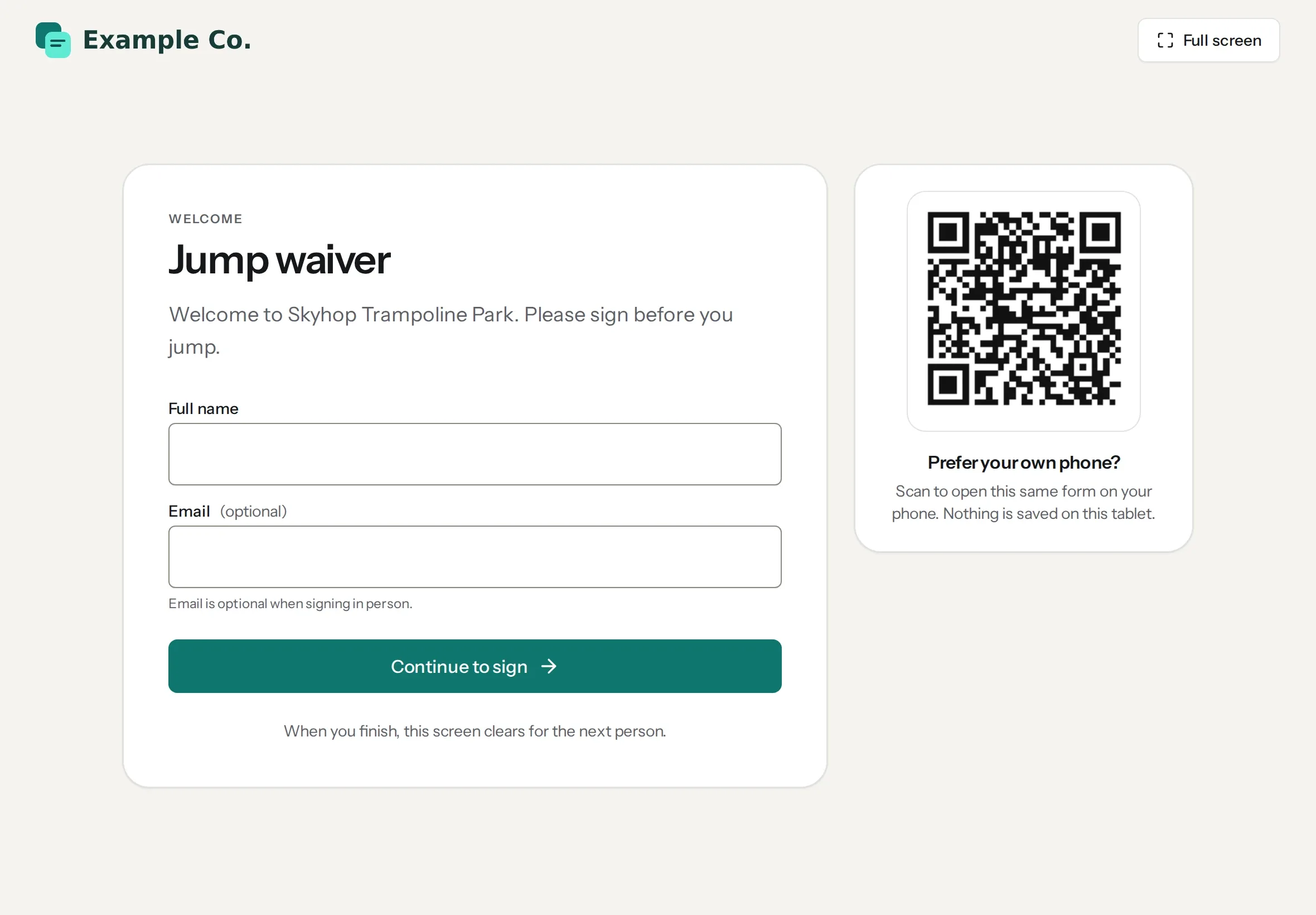
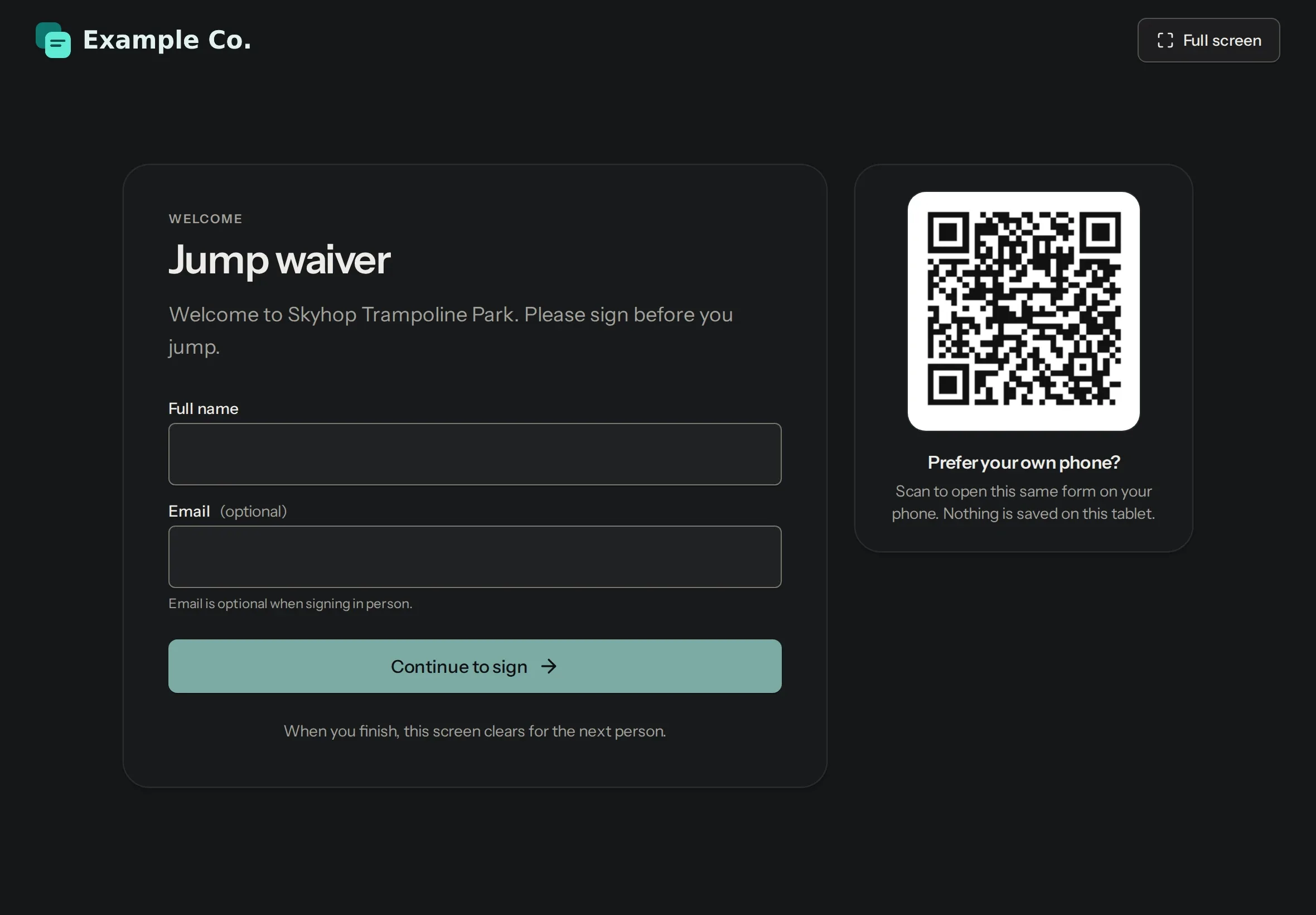
Visitors see your logo and welcome message, enter their name and sign.
The screen clears itself
After each signer, and after a quiet spell, the kiosk is ready for the next person.
Staff exit with a PIN
Set an optional PIN, and only staff can leave the kiosk.
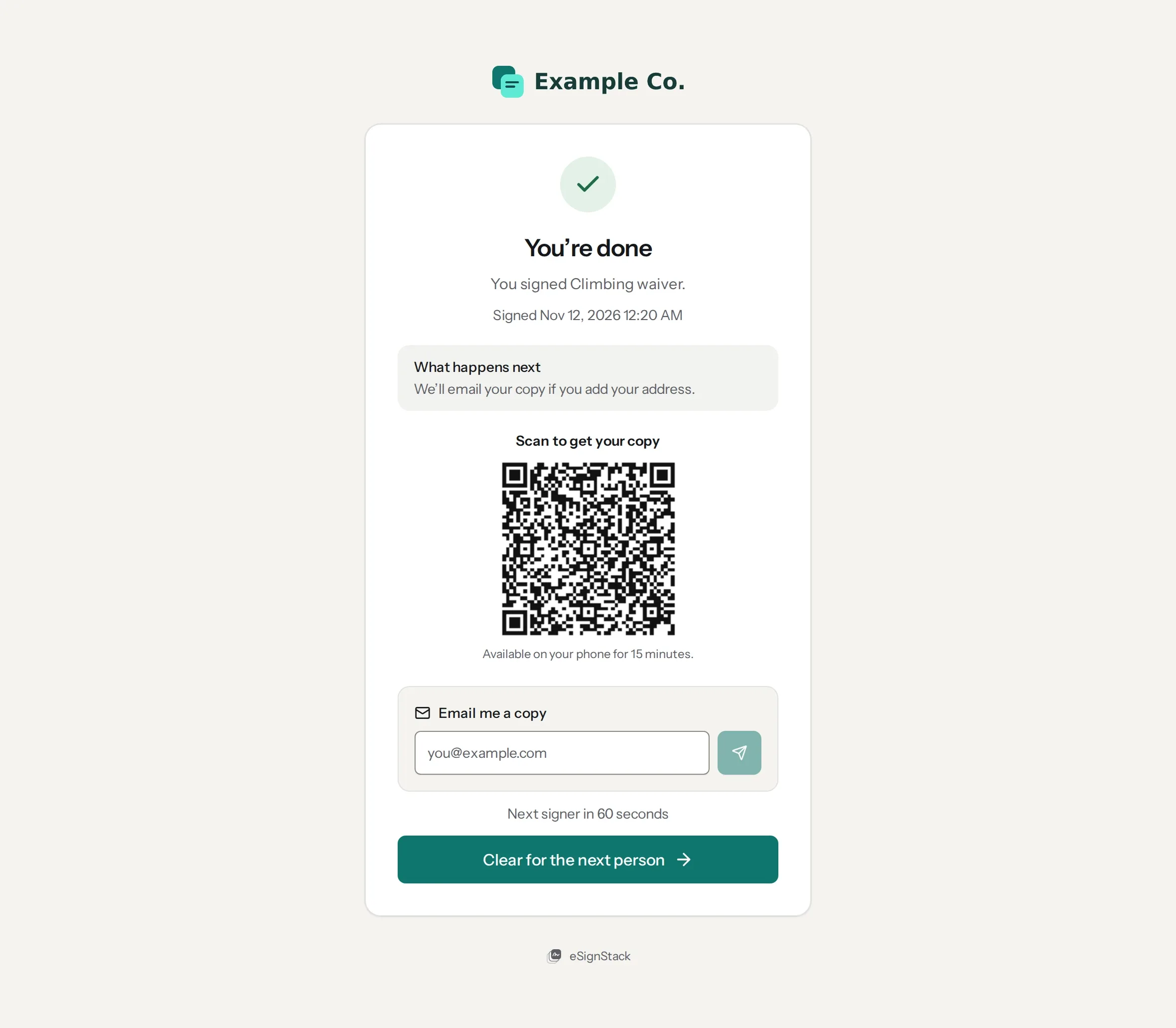
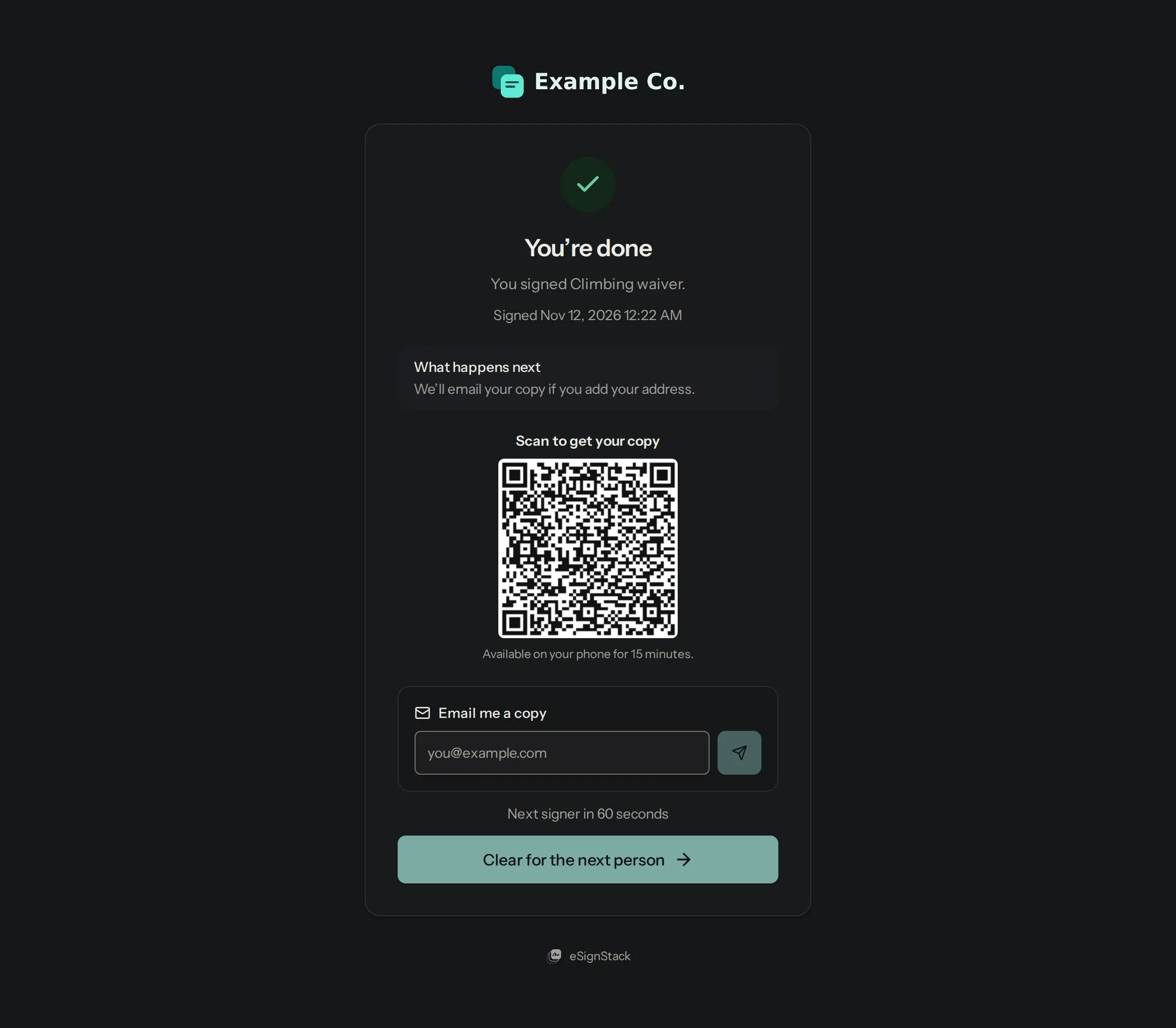
Scan to get your copy
The thank-you screen shows a code that opens the signed copy on the visitor’s phone. They can also email it to themselves.
When there’s a line
Turn on the form’s share link, and the kiosk shows a code so people can sign on their own phone instead.
On Pro and up, $24 a month. Unlimited kiosk signings under fair use, with no per-signer fees.
Questions
Do visitors need an email address?
No. Email is optional. Without one, they scan the code on the thank-you screen to keep their copy.
What if someone walks away halfway?
Their unfinished form is deleted when the kiosk clears. It isn’t filed and doesn’t count toward your plan.
Where do signed forms go?
Each visitor gets their own envelope in Envelopes. Pick the form there to search what people typed and export it to CSV.
Which plan do I need?
The kiosk is on Pro and up, with unlimited kiosk signings under fair use. The code to sign on a phone needs the form’s share link, on Starter and up.
Compare plans